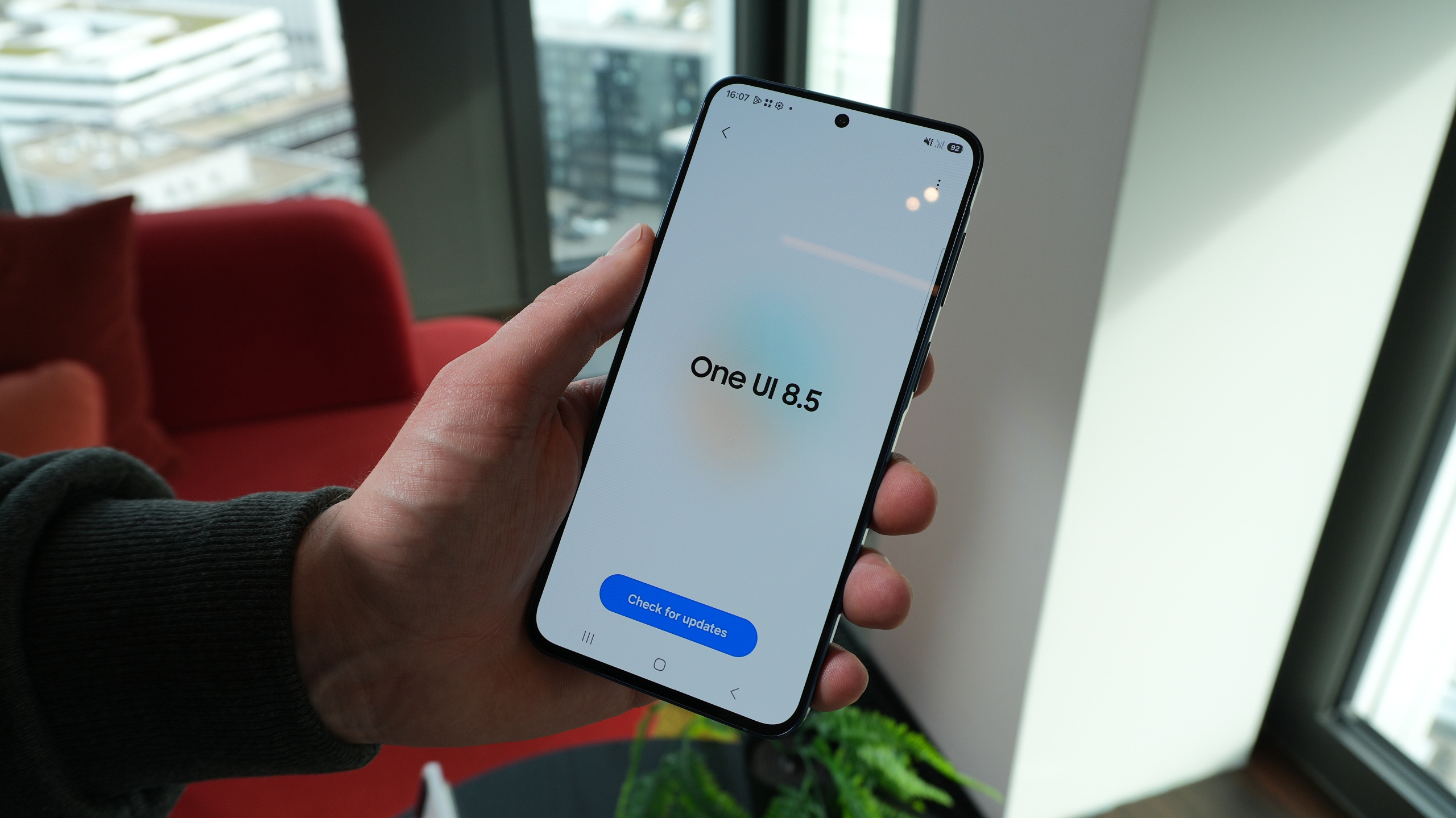
Samsung's proprietary Android skin, One UI, has a rich history, but One UI 7 marked one of its most significant turning points. That's when Samsung began developing One UI around three core keywords: Impactful, Emotive, and Simple.
Regarding the latter, modern One UI does embody purposeful simplicity. Yet despite Samsung promoting ease of use, One UI also includes — or “hides” — numerous advanced features that may not be familiar to everyone.
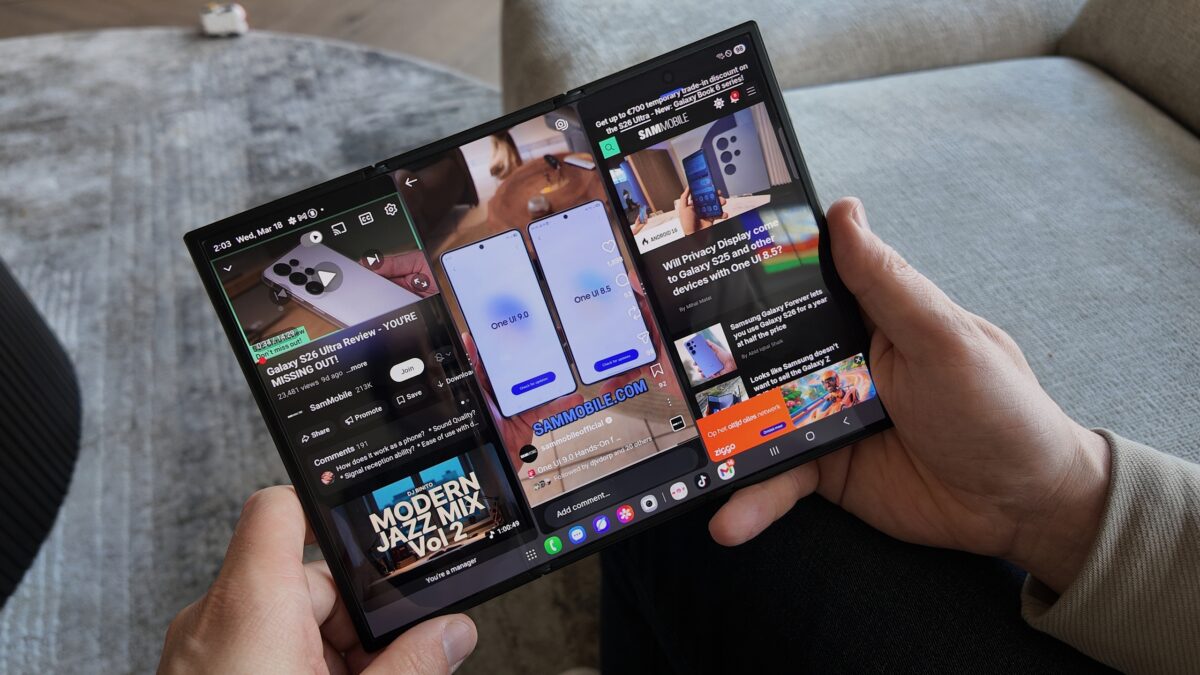
In our latest video, we explore five advanced One UI features you can try on your Galaxy phone today. For a quick summary, we dive into a few tools “hidden” inside the Labs menu, extra options for screenshots and screen recordings, and multi-window gestures and settings.
We're also taking a closer look at a One UI feature that's less about productivity and more about entertainment: Galaxy Avatar. Check it out below.
Don't forget, SamMobile posts new YouTube videos regularly, covering a wide variety of Samsung-related topics.
Our YouTube channel is where you can catch up with us at major events, watch reviews, hands-ons, tips & tricks, and more. If you haven't already, make sure you hit that subscribe button.





 Loading ...


